
Access and permissions
The permission model in one sentence
Permissions apply per user and per panel – a checkbox in a matrix decides who may read, switch or change things on exactly this system. And: every derived access (AI key, ChatGPT link, Alexa) can never do more than the person who owns it.
The permissions in detail
| Permission | Allows |
|---|---|
| Read | View state, sensors, log |
| View cameras | See live views and snapshots (deliberately separate from reading) |
| Arm/disarm | Switch the system's mode |
| Control | Switch devices, apply scenes |
| Rules | Create and edit automation rules and scenes |
| Detectors | Pair and edit devices |
| Settings | Change network, alarm, siren and reporting settings |
| Full | Everything together (except user management) |
The permissions build on each other sensibly – whoever may "Control" can of course also read.
Inviting users to a panel
As the main user of a panel:
- In the Cockpit, click Users – or Access in the panel view.
- Invite a new user by email address or select an existing user.
- Set the checkboxes per panel in the permission matrix.
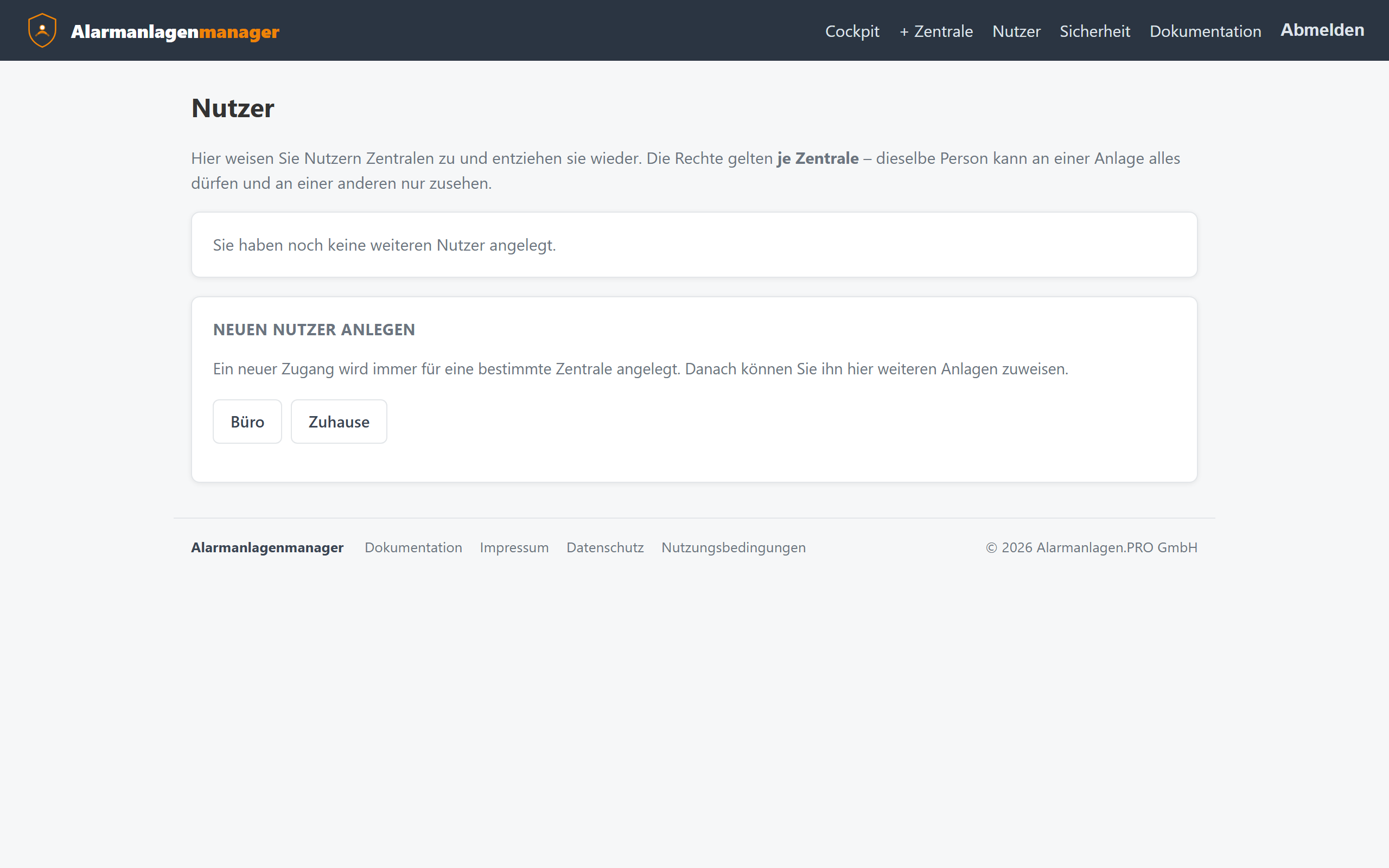
The invited user is a restricted user: in the Cockpit they only see the panels they have access to, and in the panel view only the menu items their permissions allow. They cannot add panels or grant access.
The "Access" view in the panel view
The menu item Access (👥) shows all authorised users for the open panel as a matrix – one tick is enough, saving is immediate. It only appears for those who may grant access: main users, the system's installer and administrators.
Typical setups
| Situation | Recommended permissions |
|---|---|
| Partner in the household | Full – or everything except settings |
| Children | Read + arm/disarm |
| Neighbour (holiday) | Read + arm/disarm, revoked again afterwards |
| Property management | Read |
| Cleaner | Arm/disarm without camera viewing |
Revoking permissions
Removing the tick is enough – it takes effect immediately, also on the user's existing AI keys and links: their requests are rejected from then on, because the owner's permissions are re-checked on every access.