
Overview
What is the Alarmanlagenmanager?
The Alarmanlagenmanager makes Climax-based alarm panels – Lupus Lupusec (XT1, XT2, XT3, XT4) as well as Climax VESTA, Blaupunkt and Egardia – operable in the browser: arm and disarm, keep an eye on sensors and cameras, control devices and create automations. All of this works without the manufacturer's cloud: the connection runs directly between this portal and your panel.
In addition, the Alarmanlagenmanager opens your system – if you want it to – to AI assistants (ChatGPT, Claude and others) and to Amazon Alexa. You simply say "Turn on the hallway light" or "Create a rule: light on when the front door opens" – and the Alarmanlagenmanager translates that safely into your panel's language.
The three ways to operate
| Way | What you need | Typical use |
|---|---|---|
| Browser | Just an account on this portal | Daily operation, setup, administration |
| AI assistant (ChatGPT, Claude …) | A link or an AI key | Ask questions, create rules in everyday language |
| Amazon Alexa | The Alexa skill and an account link | Voice commands: switching, scenes, arm/disarm |
All three ways operate the same system and are subject to the same permission management: an assistant or a voice command can never do more than the person who owns the access.
The most important terms
- Panel – your physical alarm system (e.g. a Lupusec XT2 or a VESTA). One account can manage several panels.
- Cockpit – the start page after signing in: all your panels at a glance, with status and quick access. See Cockpit.
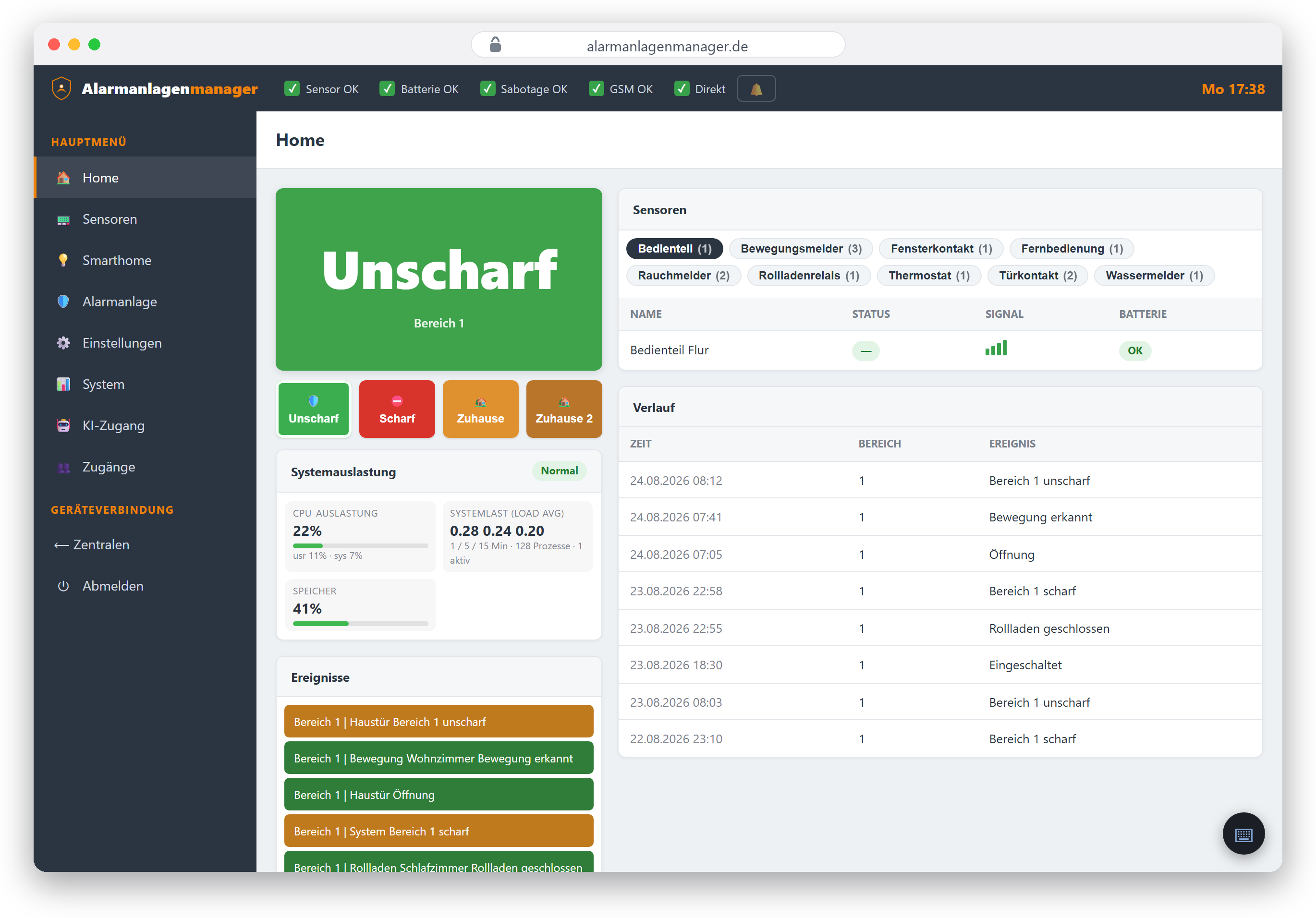
- Panel view – the interface of a single panel with the menu Home, Sensors, Smarthome, Alarm system, Settings and System.
- Main user – the person a panel "belongs" to. They have all permissions on it and grant access to other users.
- Installer – a professional company that sets up and looks after customer systems. Details in the Installers chapter.
- AI access – the menu item where keys and links for ChatGPT, Claude & co. are managed.
How the connection to the panel works
Depending on brand and situation, the Alarmanlagenmanager connects to your panel in different ways – the setup wizard guides you through the right one:
- Lupus Lupusec: preferably via the encrypted P2P remote connection – no port forwarding, no changes to your router. Alternatively via a direct address (local network, VPN or DynDNS). Details: Adding a Lupus panel.
- VESTA / Blaupunkt / Egardia: via our server, either directly (the panel reports to us instead of the manufacturer) or in proxy mode (we sit between panel and manufacturer – the manufacturer's app keeps working). Details: Adding a VESTA panel.
What each mode means for your data flow is described in the privacy policy – in short: at setup time you decide whether the manufacturer still has a say or not.
Lupus and VESTA – one family, two dialects
Both brand families are based on the same technology by the manufacturer Climax but differ in feature set and remote access. The interface automatically hides what your panel cannot do – for example, rule groups and profiles exist only on Lupus. You'll find a detailed comparison in the chapter Lupus and VESTA compared.
How this documentation is organised
- Getting started – from the account to the first connected panel.
- Daily use – home view, arm/disarm, sensors, switching, cameras, log.
- Automation – rules, scenes, rule groups, pairing detectors.
- Users & permissions – granting access, installers, account security.
- AI & voice control – ChatGPT/Claude, AI keys, Alexa.
- Help – troubleshooting and glossary.
Tip: Every chapter can be linked individually – you can pass the address in the browser bar (e.g.
/dokumentation/scharf-und-unscharf) straight to users or customers.